

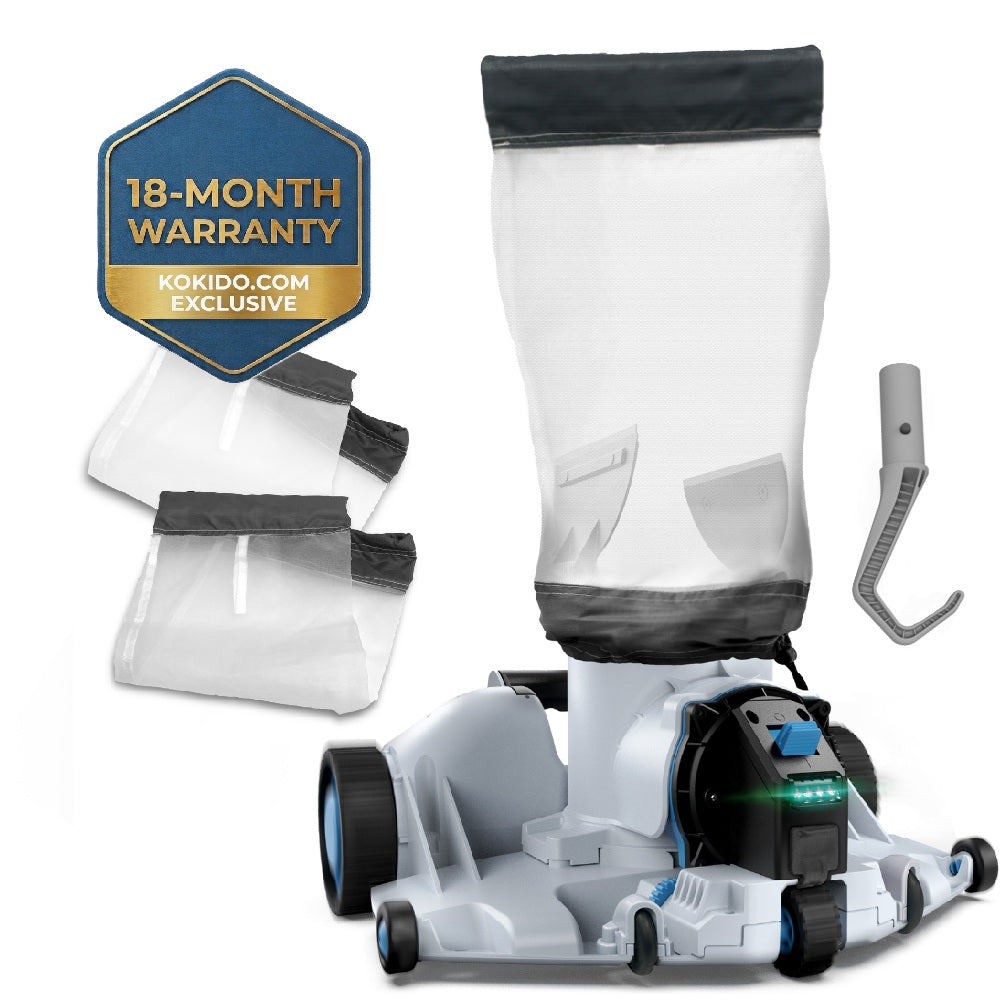


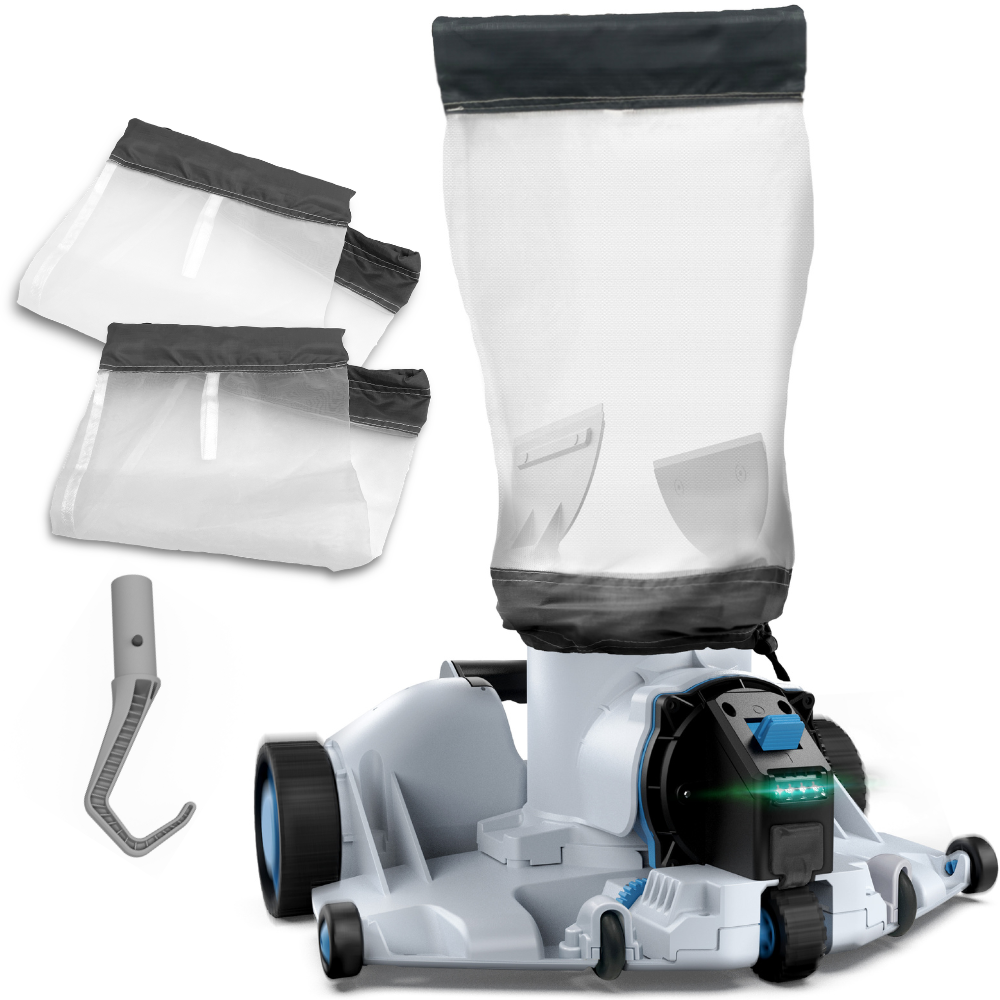

Click to open expanded view
100% Satisfaction
-
 FREE Shipping (U.S. Mainland Address only)
 -
 Money-back return within 45 days of delivery.
 -
 Extended 18-month limited warranty (exclusive on Kokido.com webshop) for Vacuum products
 -
 1-month warranty extension after product registration for Vacuum products


VIDEOS
SPECIFICATIONS
$249.00
Cordless Automatic Pool Leaf Vacuum
62 Gal/min
1.85 Gal
Standard 250 microns & Fine 149 microns
15.5 lbs
n/a
n/a
SUPPORT
 How‑To Videos Library (YouTube)
 Quick Start Manual
Quick Setup Videos
Troubleshoot Videos
User Manual
Frequently Asked Questions
Can I use the robot in in-ground pools?
Yes, the robot can be used in in-ground pools.
Can I use the robot in above-ground pools?
Yes, the robot can be used in above-ground pools.
What is the recommended pool size to use the robot?
The recommended pool size is up to 30ft in diameter or 700ft² in total area.
Can I clean algae with the robot?
No, the robot is designed for daily maintenance to collect debris on the pool floor, such as leaves, sand, and dead bugs. It can catch some algae in the process, but it is not specifically designed for this purpose. To properly clean algae, you need to use chemicals and shock your pool. Please ask your pool professional for more details on removing algae.
How long is the working time of the robot?
The XTROJET 620 can run up to 90 minutes with a full charge.
Can I use the robot in a saltwater pool?
Yes, you can use it in a saltwater pool. Make sure all the salt is dissolved before deploying the pool cleaner.
Can the robot clean the waterline?
The XTROJET 620 is designed to collect debris on the pool floor - flat or sloped. It does not climb pool walls.
How should I store my robot?
Ensure the robot is dry and clean, then recharge it for 3-4 hours before storing.
My robot stops in the middle of the pool or does not move. What should I do?
Please ensure that there are no obstructions on the pool floor, such as small rocks, toys, or any other objects that could block the robot's path. Turn off the filtration system 15 minutes before deploying the robot. If the pool floor has slimy or slippery algae, please remove any algae with a chemical treatment and brush the pool bottom before deploying the robot. Please check that the robot head can turn freely and that the side flap is in good condition.
If the troubleshooting steps do not resolve the issue, please contact our customer service for further assistance.
The robot is switched to ON mode, but the motor does not start running.
The water sensor may be stained; use a cotton swab soaked in lemon juice, vinegar, or another acid solvent to remove the stains. The sensor is the 2 metal pins located next to the power switch.
If the troubleshooting solutions are unable to resolve the issue, please contact our customer service for further assistance.
The robot does not capture the debris.
Check that the robot's suction mouth is not clogged with debris or a large object. Remove the debris and empty the debris compartment. Ensure the debris compartment is closed correctly.
In case the troubleshooting solutions cannot solve the problem, please contact our customer service for assistance.
Recommended for You
- Choosing a selection results in a full page refresh.
